New Release 2.0 | Show your friends where you flew from
Show your friends where you flew from
With Release 2.0 you can analyze your flights on a large map with interactive altitude profile and share them with your friends.
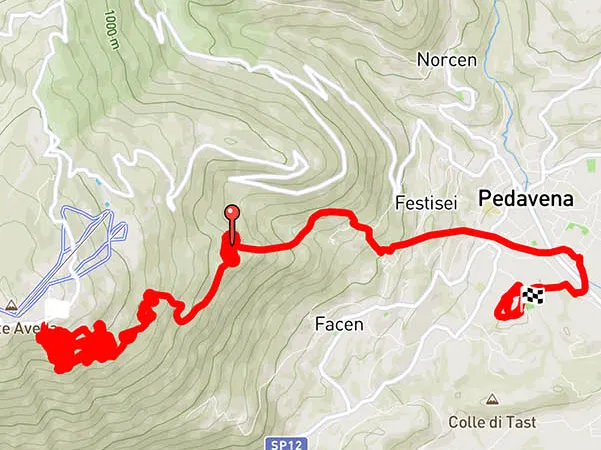
Analyze flights on the map
Every flight recorded with Apple Watch or iPhone can now be displayed on a clear map:
- Your complete flight route with all waypoints
- Thermal circles – see where you thermalled
- Final glide and landing position
- Color coding by altitude or climb rate
Interactive altitude profile
Below the map, a detailed altitude profile of your flight is displayed. What makes it special:
Drag your finger over the altitude chart – and see the corresponding position live on the map.
The associated measurements are displayed:
- Altitude at that point
- Speed at that moment
- Climb rate at that instant
This allows you to retrace and analyze every single moment of your flight.
Maximum climb rate automatically recorded
From now on, Vario One automatically records the maximum climb rate for all future flights. This allows you to:
- See after every flight how strong the best thermal of the day was
- Compare your flights over time
- Measure progress in thermal flying
Share your flights with friends
Show your friends and family where you flew. Share your flight route directly from Vario One – on the map with altitude profile. Even non-pilots can understand what you experienced in the air.